A secure VPN in one tap
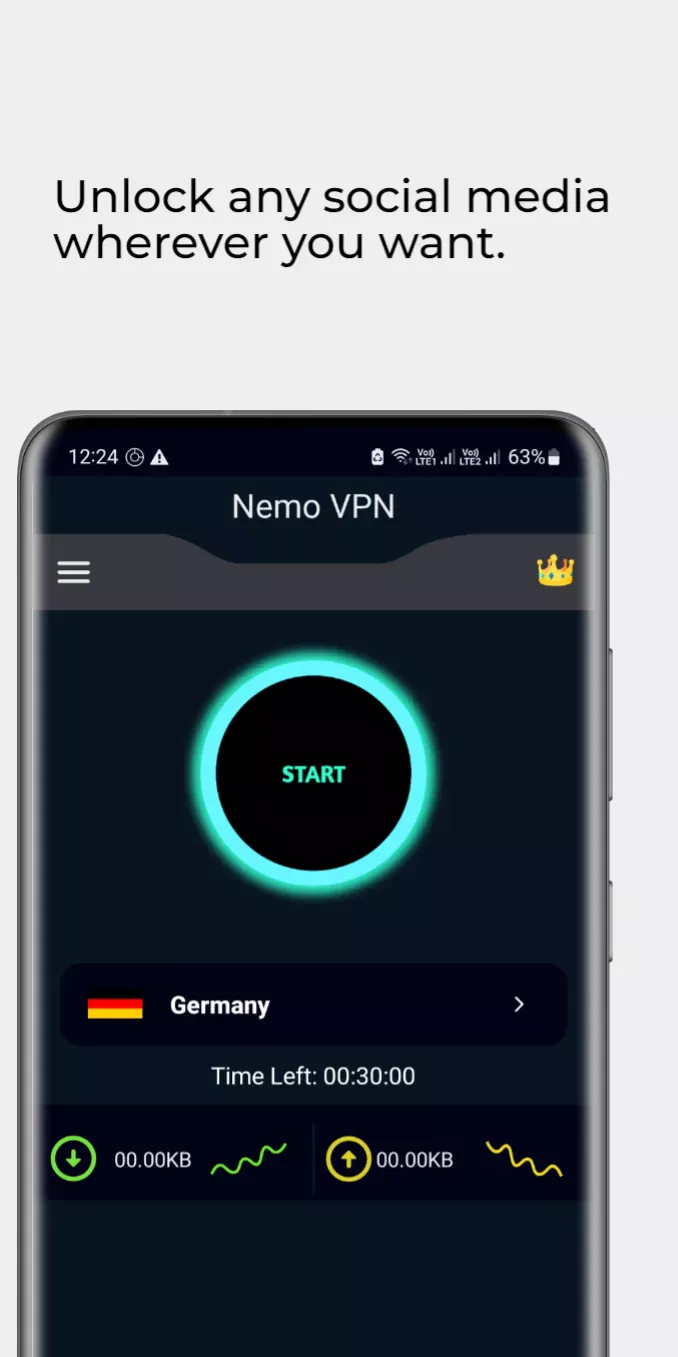
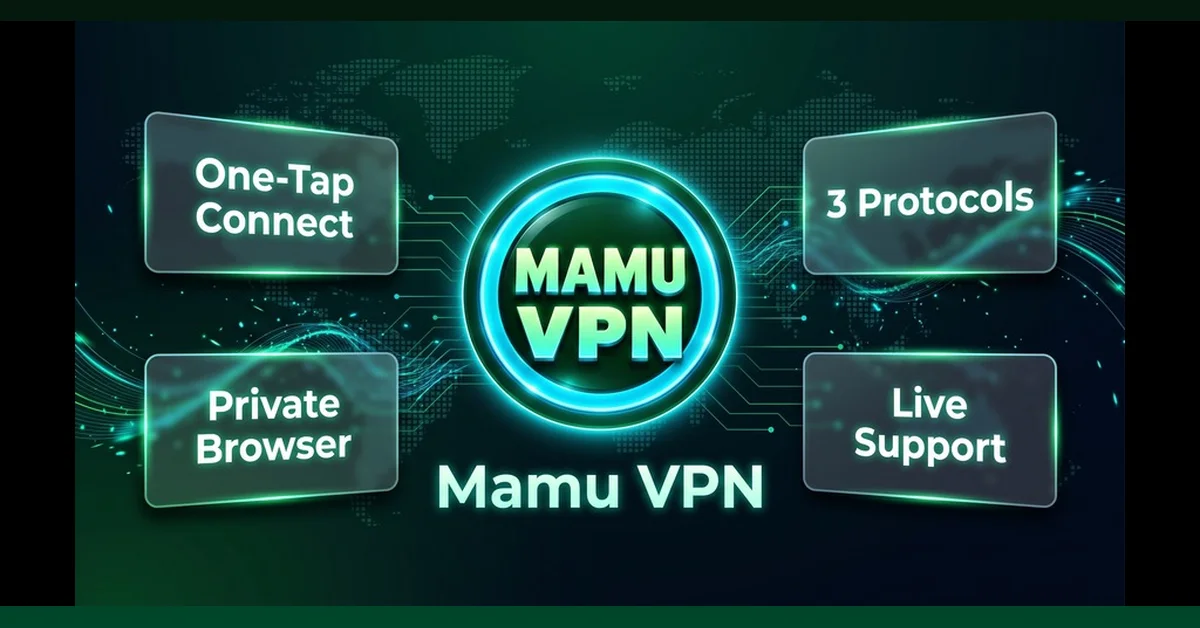
Nemo VPN is a simple, secure VPN proxy for Android with a private browser built in. Open the app, tap Connect, done. No sign-up is needed to connect, and the browser and live chat are one free sign-in away.
Why people use Nemo VPN
- One-tap VPN: open the app, tap Connect, done.
- No registration to connect: no email, no password.
- Two ways to connect: OpenVPN and V2Ray. If one is slow on your network, pick the other.
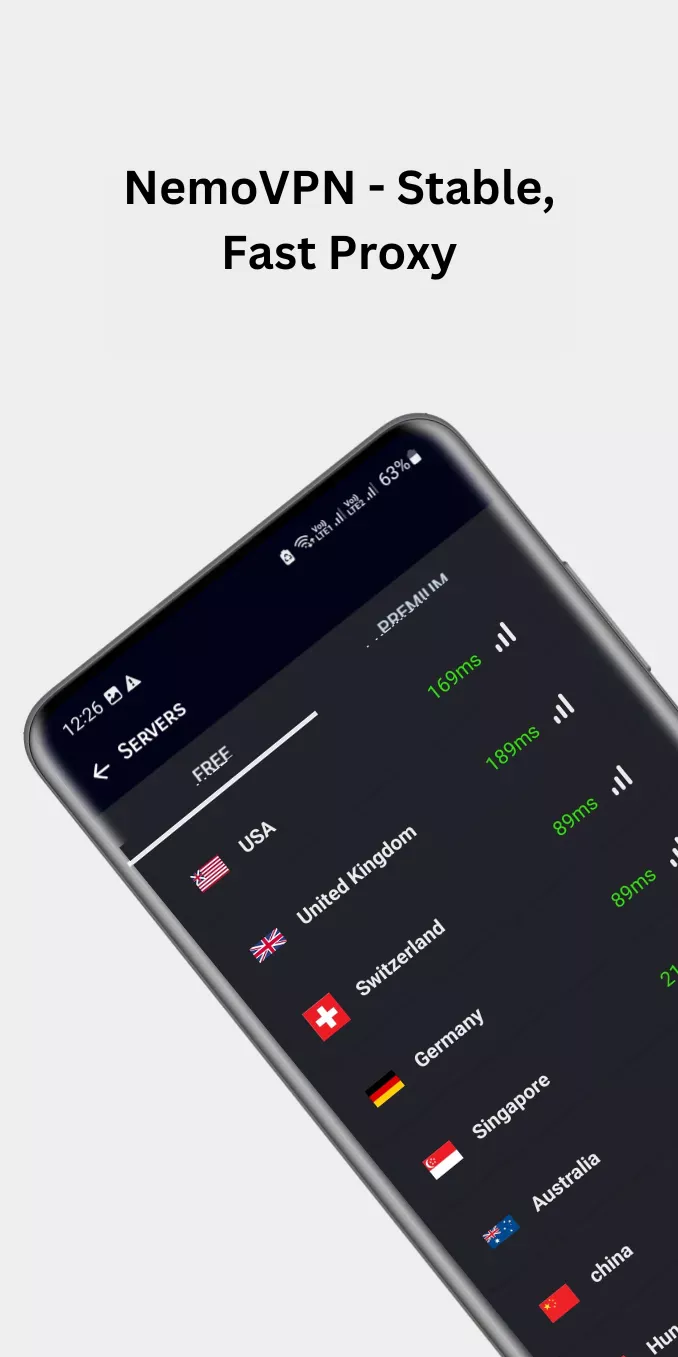
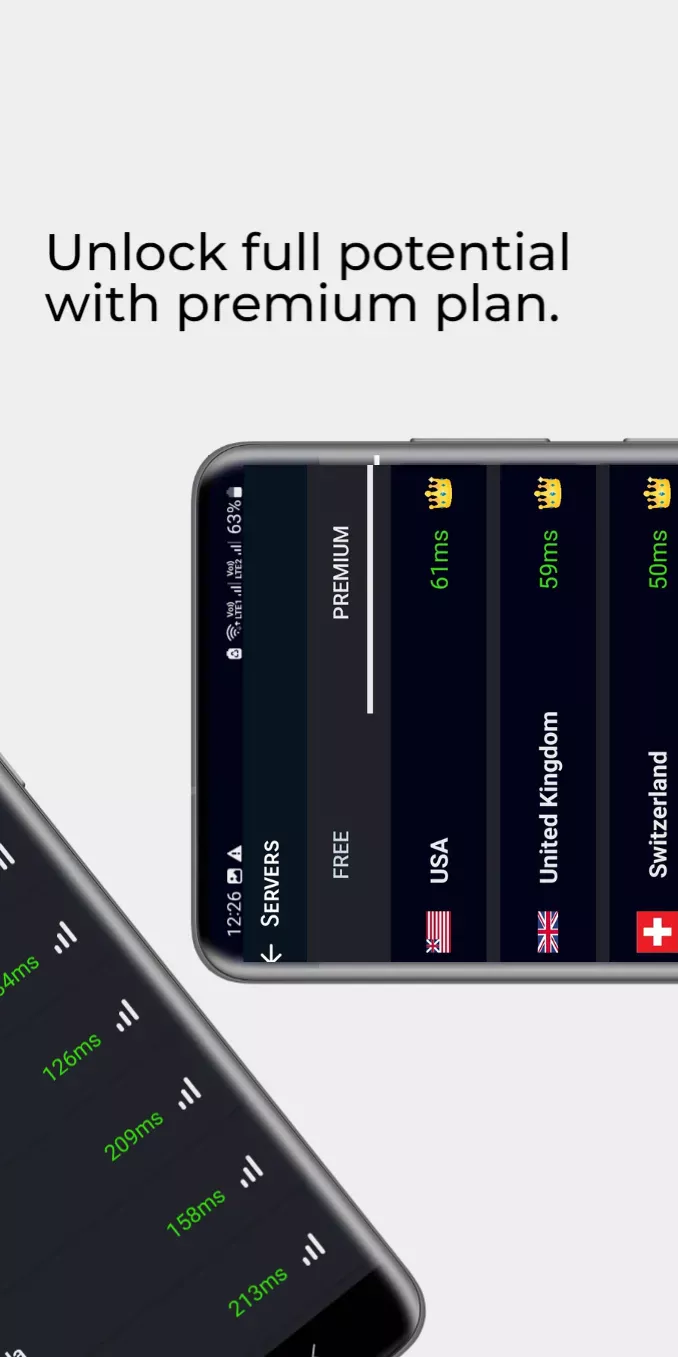
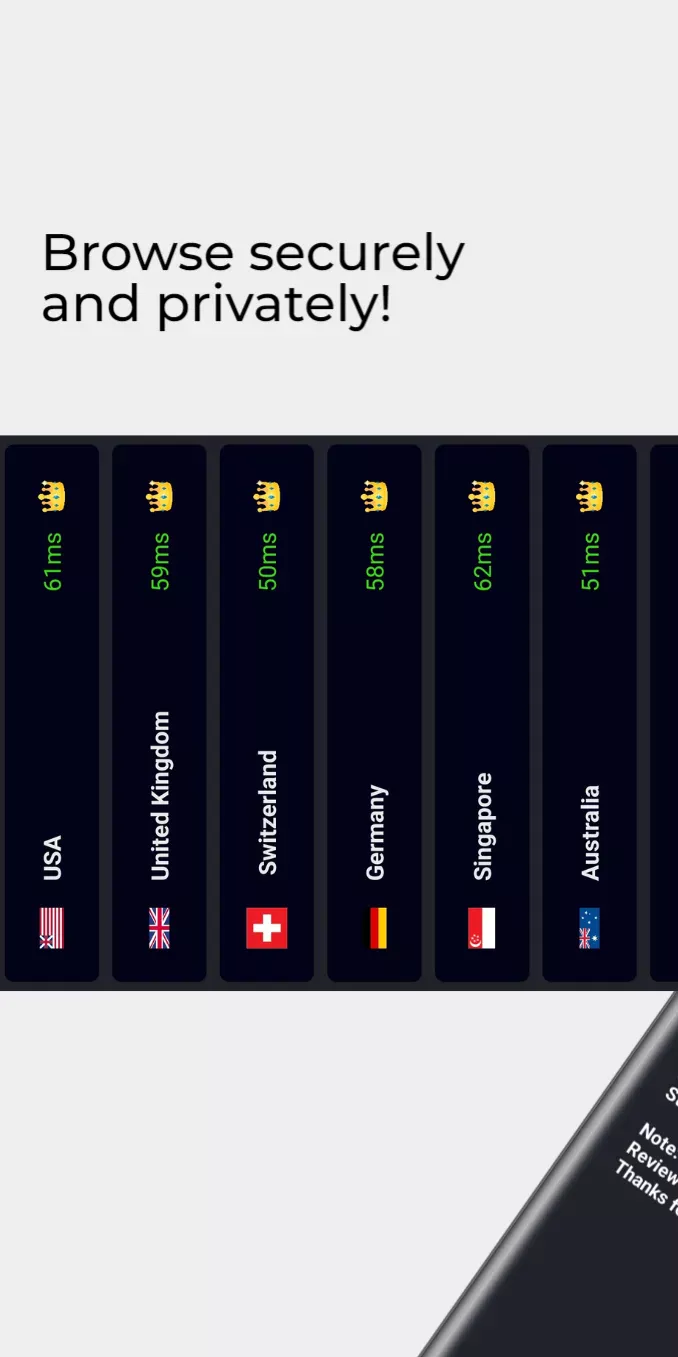
- Free and Premium servers: use free servers with ads, or choose Premium for no ads and no session timer.
- Safer on public Wi-Fi: the VPN encrypts traffic between your phone and our VPN server, which helps on hotel, airport, mall and cafe Wi-Fi.
- Private browser with tabs and one-tap clearing of cookies, cache and history (free sign-in).
- Live chat support inside the app (free sign-in).
- Light and dark mode, on phones and tablets.
Screenshots
A private browser inside the VPN
Nemo VPN includes its own browser, so you can open tabs, keep shortcuts to the pages you use most and clear cookies, cache and history with one tap. The browser uses the VPN while you are connected. It needs a free sign-in.
Two ways to connect
OpenVPN
The long-standing VPN standard, available over UDP and TCP. A dependable choice on any network.
V2Ray
A flexible protocol that works well on many mobile networks. Try it when OpenVPN is slow for you.
Free and Premium
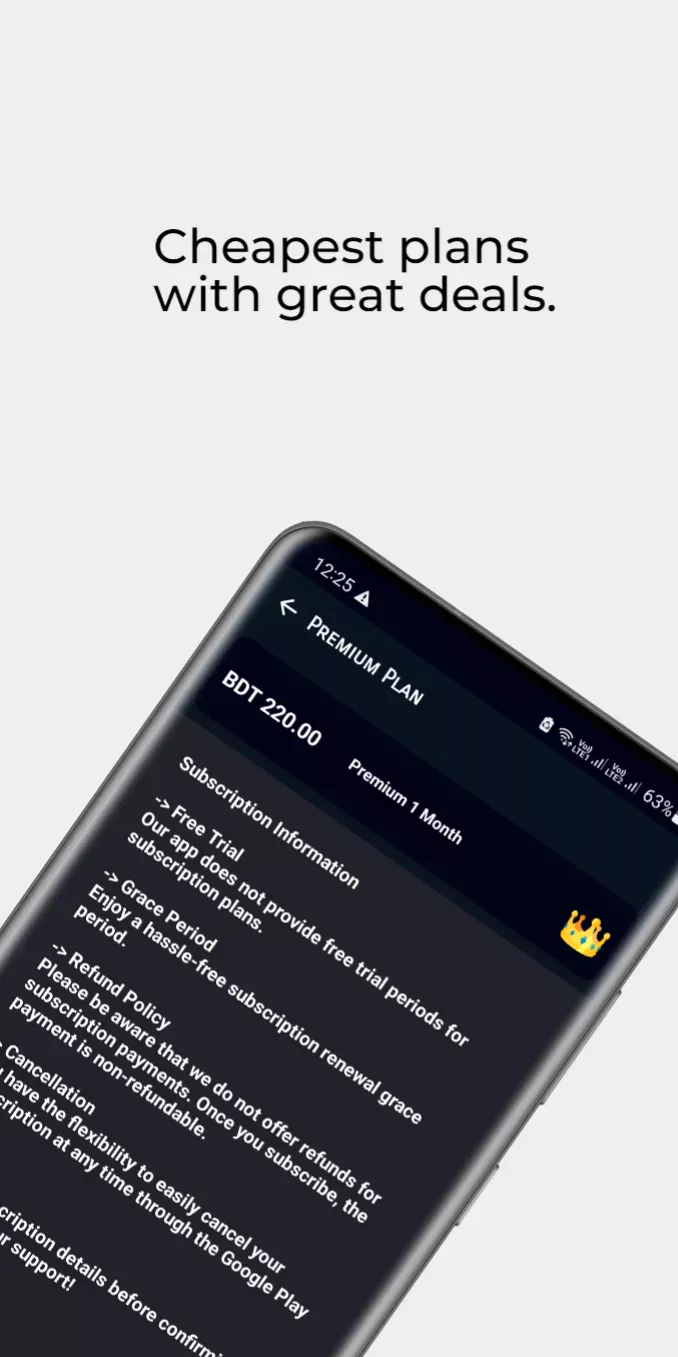
The free VPN is paid for by ads and has a session timer. You can watch a short ad to add extra time. Premium removes all ads and the session timer and opens every Premium server. You can see plans and prices in the app before you buy, and Premium can be restored in one tap on a new phone.
How to use Nemo VPN
- Install Nemo VPN from Google Play and open it.
- Tap Connect.
- If the connection is slow, try another server or switch between OpenVPN and V2Ray.
Need help? Open Settings, then Live Chat.
Questions
Is Nemo VPN free?
Yes. Free servers are paid for by ads and have a session timer. You can watch a short ad to add extra time. Premium removes all ads and the session timer.
Do I need an account?
Not to connect the VPN. The private browser and live chat need a free sign-in.
Which protocol should I use?
Either works. OpenVPN is the long-standing standard; V2Ray is a good alternative on many mobile networks. If the VPN is slow on your network, try the other protocol or another server.
Does it help on public Wi-Fi?
Yes. Nemo VPN encrypts traffic between your phone and our VPN server, which is more secure than open Wi-Fi alone.
I already paid for Premium. How do I get it back on a new phone?
Open Premium and tap Restore. Your subscription comes back when the phone is signed in to the same Google account.
Where can I get help?
Open Settings, then Live Chat Support in the app, or email info@nreeit.com.
Why the app uses VpnService
Nemo VPN uses Android's VpnService to create an encrypted VPN tunnel between your device and our VPN server. Providing this VPN connection is the core function of the app. We never use the VPN to change or redirect other apps' traffic for advertising; ads and app statistics use your regular connection. To run and protect the service we keep basic connection records, as described in the privacy policy.
Please follow the laws of the country you are in. Nemo VPN is not available in some regions.

 Secure VPN for UAE, Saudi & the Gulf